Hello there 👋
How've you been? 🙂
In the past couple of weeks, we released the Nodavelo authentication and added the option to make server-side requests with the REST API plugin 🚀

In addition, we made some frequently asked additions like:
Some REST APIs, like Google Maps, accept client-side requests, i.e. requests from your users browsers.
But many REST APIs, like Twitter, only accept server-side requests.
By default, being a frontend builder, Nodavelo's REST API plugin makes client-side requests.
Now, we've added the possibility for you to make server-side requests:
In the example above, you can see Twitter's API returns a Network error when we use the default configuration of the REST API plugin.
However, once we enable the "Make this request through a server" option, it returns the result we were looking for.
Before, you could add the following authentication systems to your Nodavelo apps:
Now, you can setup Nodavelo's native authentication system in just a few clicks:
With the Nodavelo Auth plugin, you can manage users, user roles, and user groups directly in Nodavelo.
Learn more about how to work with the Nodavelo Auth plugin.
The team released a new native integration with Calendly. You can add it to your project from the "Plugins" > "Extensions" menu:
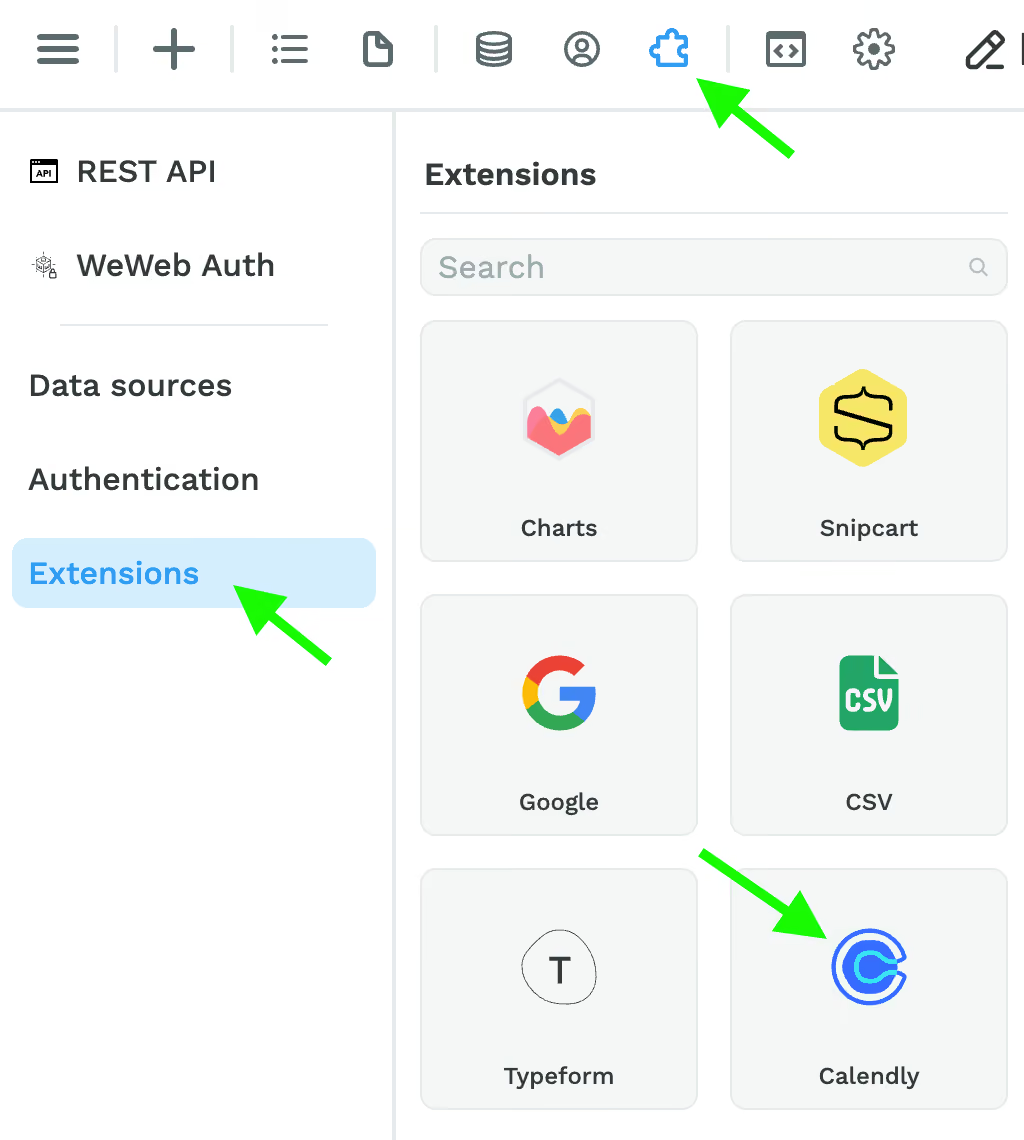
Once you've added the Calendly extension, you will be able to:
Ok then, that's it for this week. Hope you enjoyed it!
Checkout our public roadmap to see what's coming next, upvote features, or make requests 😉